Raspberry Pi Sense Hat
Raspberry Pi Sense Hat
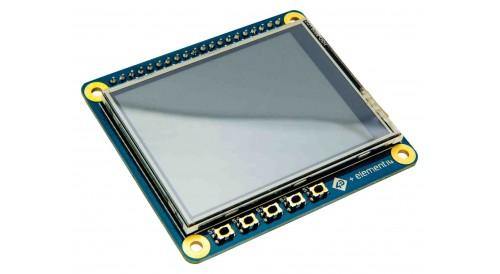
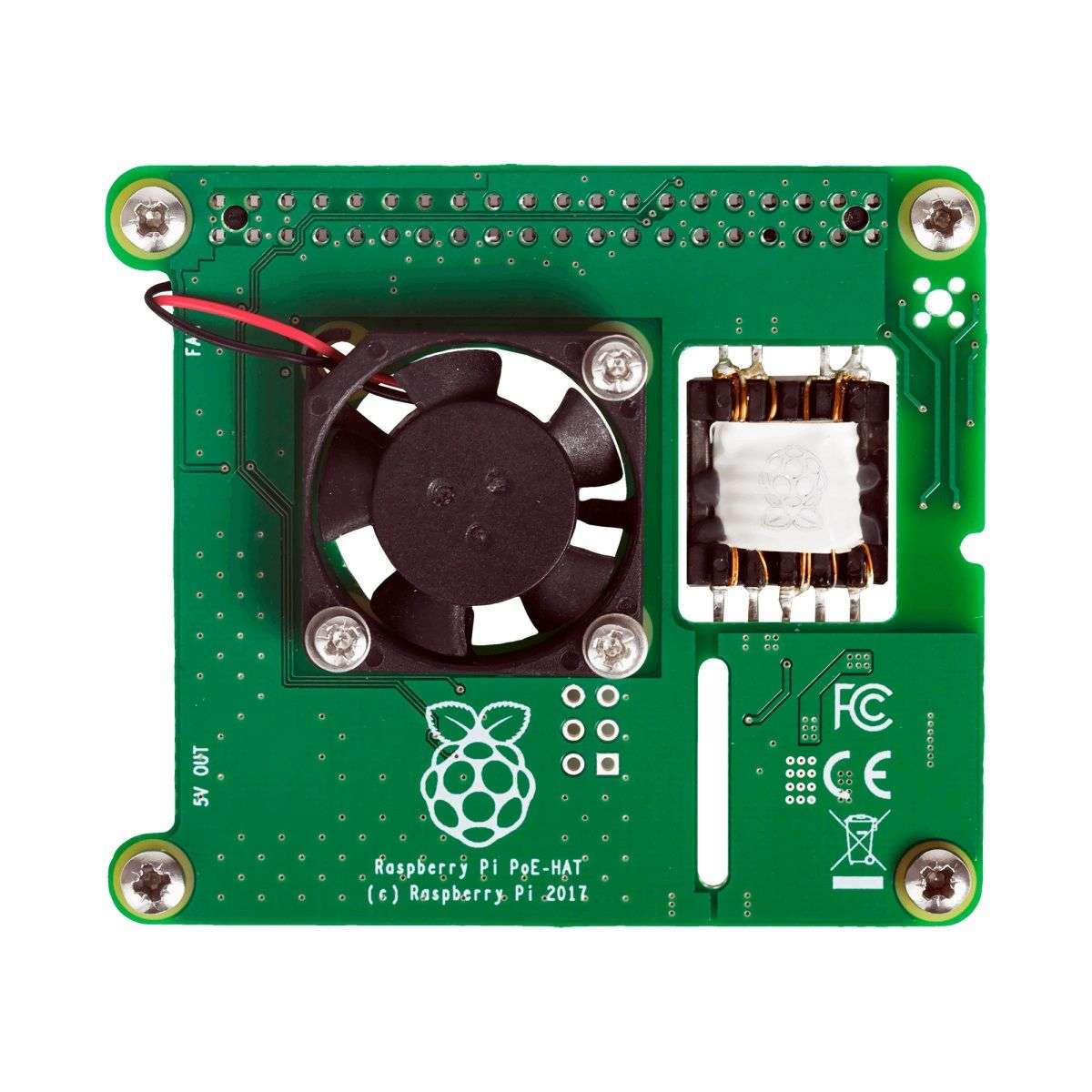
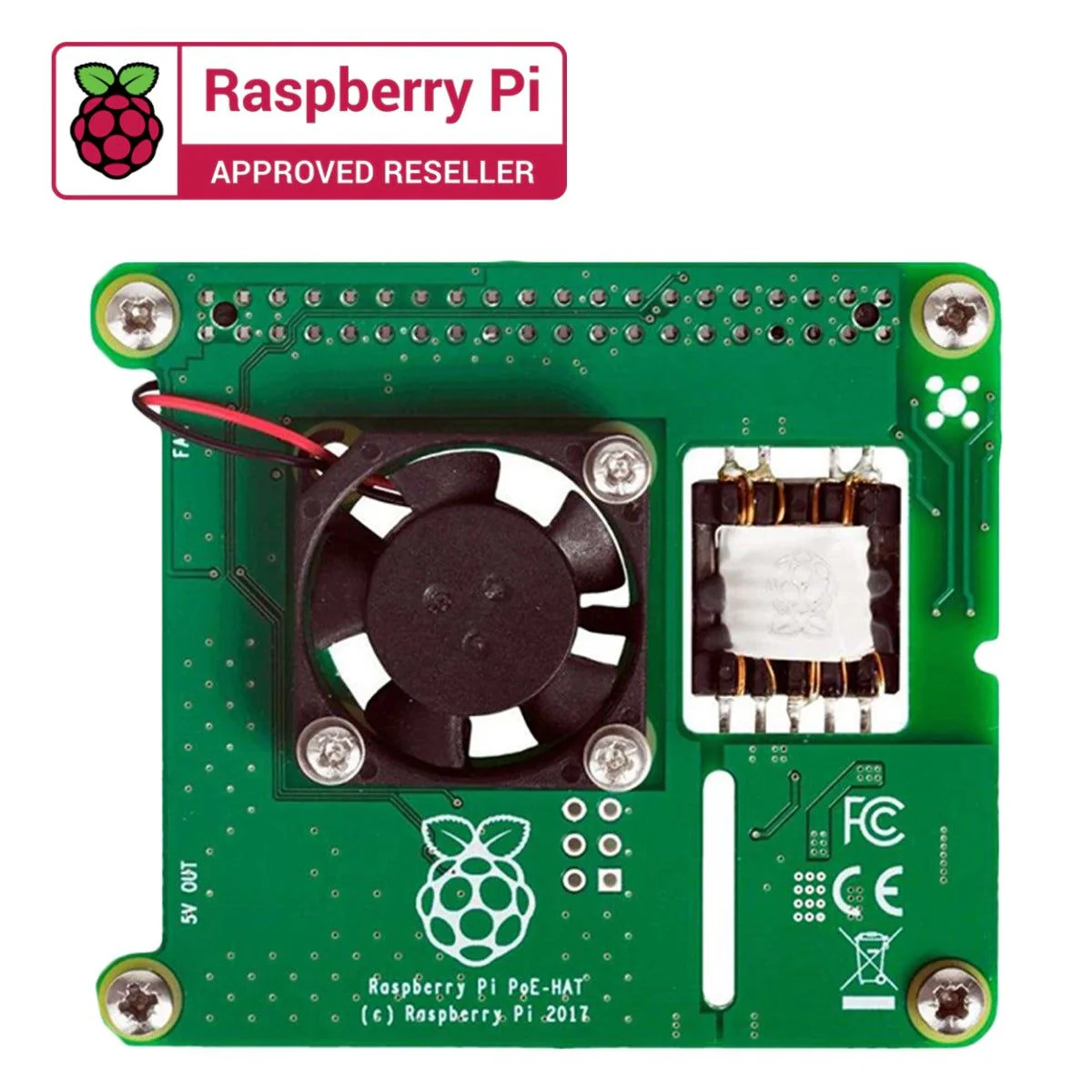
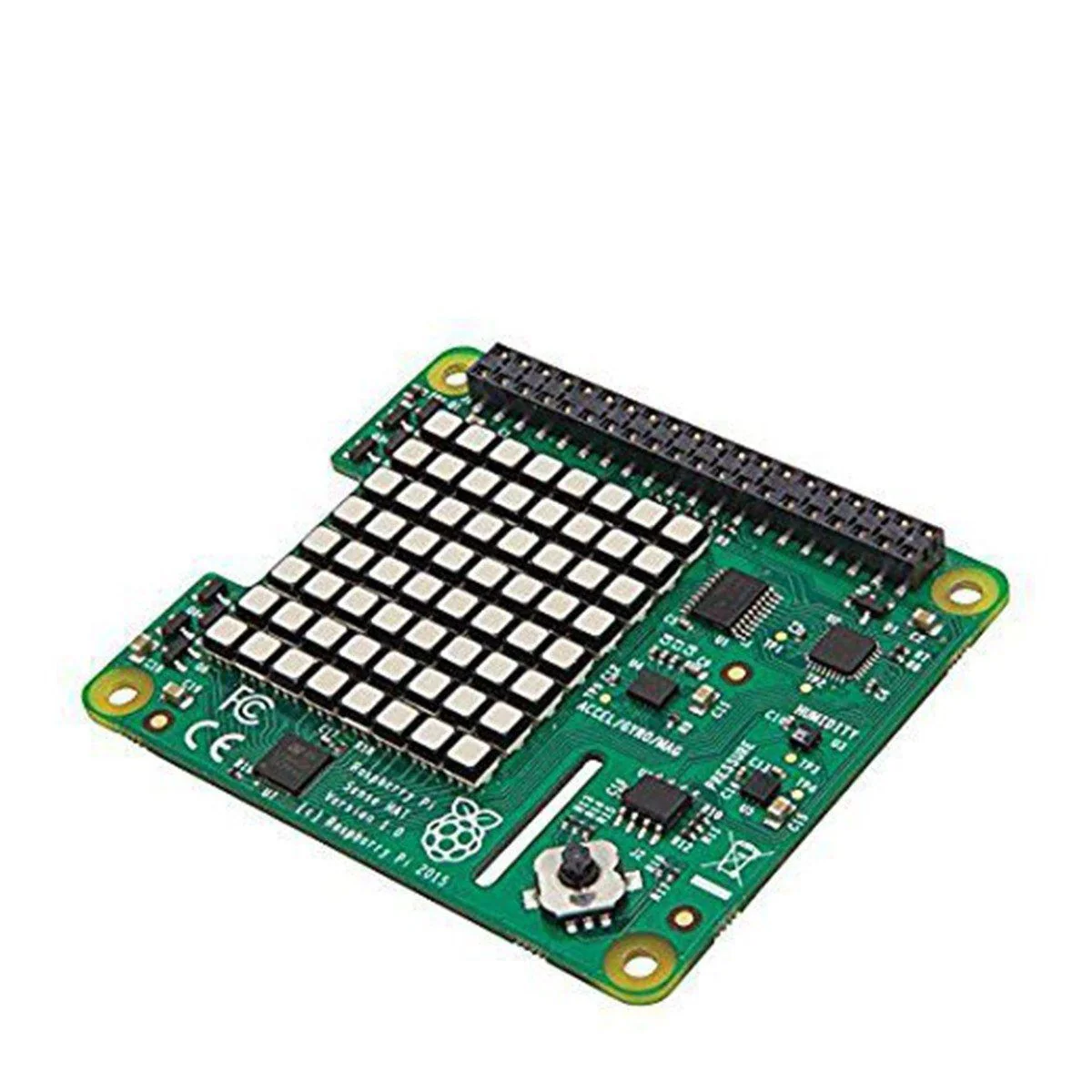
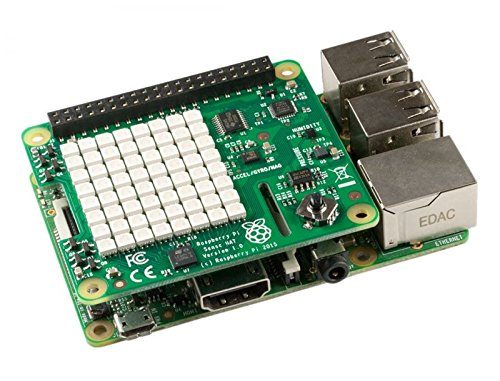
Raspberry Pi Sense HAT is a sensor-packed add-on to your Raspberry Pi 3, Raspberry Pi 2, B+, and A+ boards. It mounts right on top of your Raspberry Pi and all you need to do is run your code.
The Sense HAT has an 8×8 RGB LED matrix, a five-button joystick, and includes the following sensors:
- Gyroscope.
- Accelerometer.
- Magnetometer.
- Temperature.
- Barometric pressure.
- Humidity.
Note: Robocraze is the authorized seller of Raspberry Pi products in India. Therefore even if you are in Bangalore, Hyderabad, Kerala, Mumbai or Pune, you can buy Raspberry Pi Sense HAT online from Robocraze at the comfort of your home.

Raspberry Pi Sense HAT Installation:
- Connect your Sense HAT to the Raspberry Pi via the 40 GPIO pins
- Open up a terminal and run the following command:
- wget -O – http://www.raspberrypi.org/files/astro-pi/astro-pi-install.sh –no-check-certificate | bash
- (This will take approximately 5 minutes to run on the Raspberry Pi 2 Model B, and approximately 20 minutes on earlier models of the Raspberry Pi)
- When the install is finished you will need to reboot your Raspberry Pi.
Applications:
- Consumer Electronics
- Embedded Design
- Development
- Hobby & Education
- Sensing & Instrumentation
Original: $38.19
-70%$38.19
$11.46More Images
Raspberry Pi Sense Hat
Raspberry Pi Sense Hat
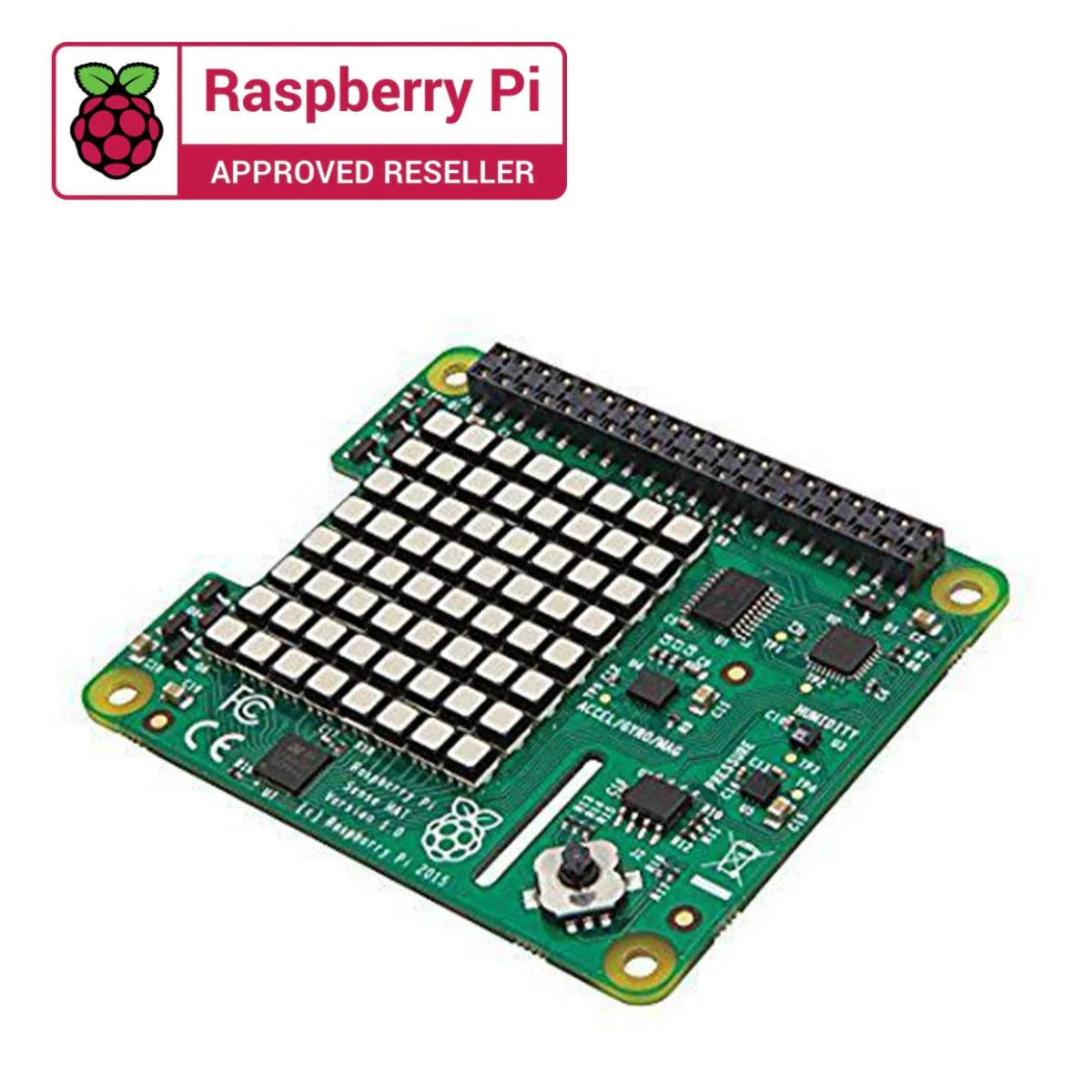
Raspberry Pi Sense HAT is a sensor-packed add-on to your Raspberry Pi 3, Raspberry Pi 2, B+, and A+ boards. It mounts right on top of your Raspberry Pi and all you need to do is run your code.
The Sense HAT has an 8×8 RGB LED matrix, a five-button joystick, and includes the following sensors:
- Gyroscope.
- Accelerometer.
- Magnetometer.
- Temperature.
- Barometric pressure.
- Humidity.
Note: Robocraze is the authorized seller of Raspberry Pi products in India. Therefore even if you are in Bangalore, Hyderabad, Kerala, Mumbai or Pune, you can buy Raspberry Pi Sense HAT online from Robocraze at the comfort of your home.
Raspberry Pi Sense HAT Installation:
- Connect your Sense HAT to the Raspberry Pi via the 40 GPIO pins
- Open up a terminal and run the following command:
- wget -O – http://www.raspberrypi.org/files/astro-pi/astro-pi-install.sh –no-check-certificate | bash
- (This will take approximately 5 minutes to run on the Raspberry Pi 2 Model B, and approximately 20 minutes on earlier models of the Raspberry Pi)
- When the install is finished you will need to reboot your Raspberry Pi.
Applications:
- Consumer Electronics
- Embedded Design
- Development
- Hobby & Education
- Sensing & Instrumentation
Product Information
Product Information
Shipping & Returns
Shipping & Returns
Description
Raspberry Pi Sense Hat
Raspberry Pi Sense HAT is a sensor-packed add-on to your Raspberry Pi 3, Raspberry Pi 2, B+, and A+ boards. It mounts right on top of your Raspberry Pi and all you need to do is run your code.
The Sense HAT has an 8×8 RGB LED matrix, a five-button joystick, and includes the following sensors:
- Gyroscope.
- Accelerometer.
- Magnetometer.
- Temperature.
- Barometric pressure.
- Humidity.
Note: Robocraze is the authorized seller of Raspberry Pi products in India. Therefore even if you are in Bangalore, Hyderabad, Kerala, Mumbai or Pune, you can buy Raspberry Pi Sense HAT online from Robocraze at the comfort of your home.
Raspberry Pi Sense HAT Installation:
- Connect your Sense HAT to the Raspberry Pi via the 40 GPIO pins
- Open up a terminal and run the following command:
- wget -O – http://www.raspberrypi.org/files/astro-pi/astro-pi-install.sh –no-check-certificate | bash
- (This will take approximately 5 minutes to run on the Raspberry Pi 2 Model B, and approximately 20 minutes on earlier models of the Raspberry Pi)
- When the install is finished you will need to reboot your Raspberry Pi.
Applications:
- Consumer Electronics
- Embedded Design
- Development
- Hobby & Education
- Sensing & Instrumentation